
Screenshots
Why ContextCraft
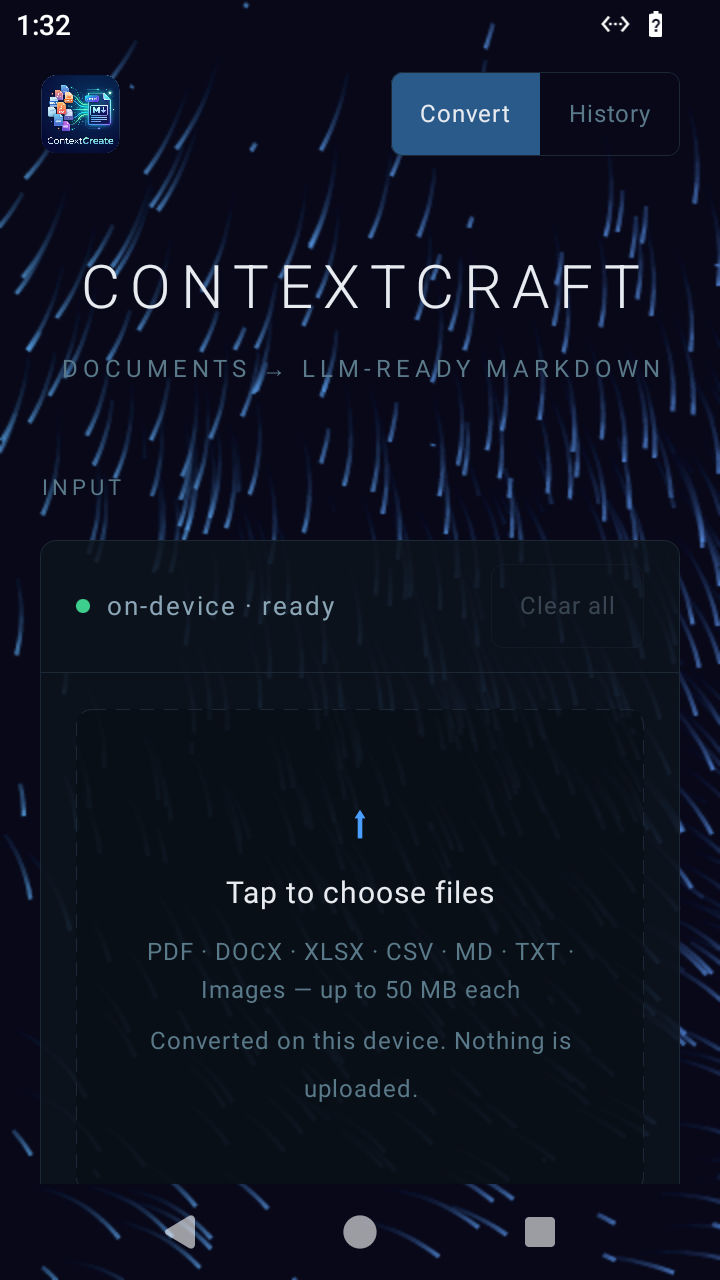
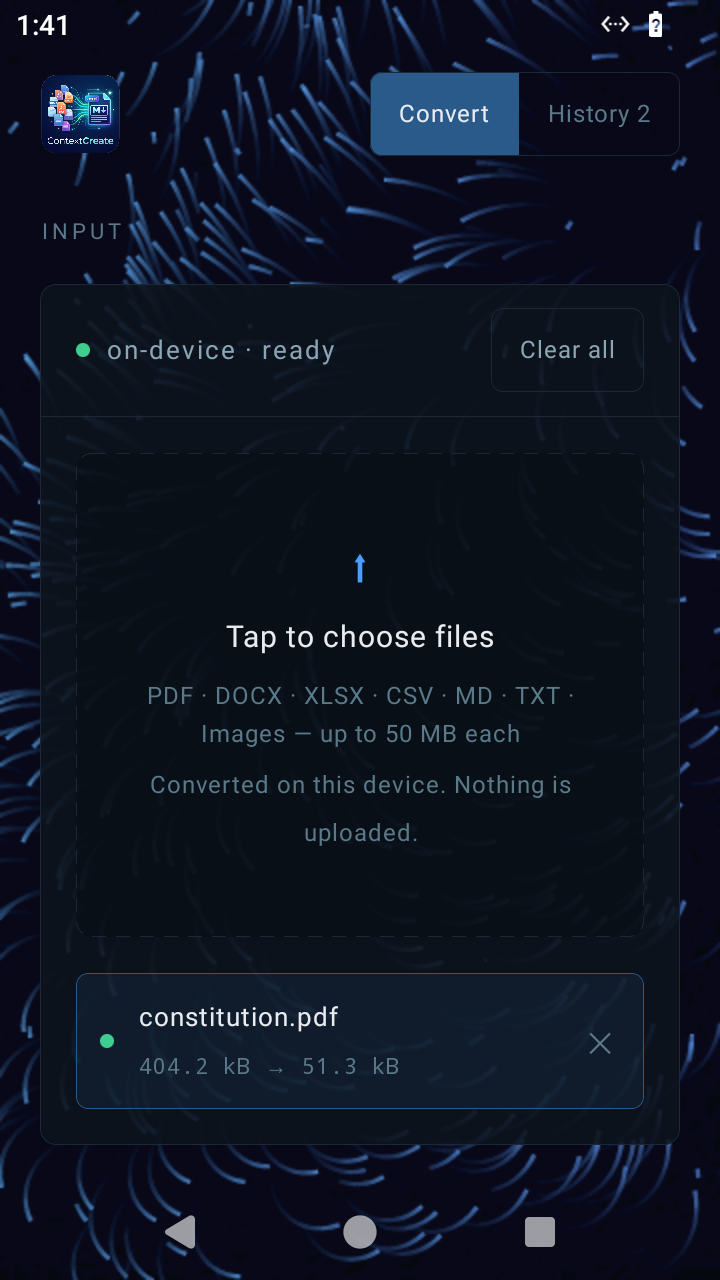
Fully on-device
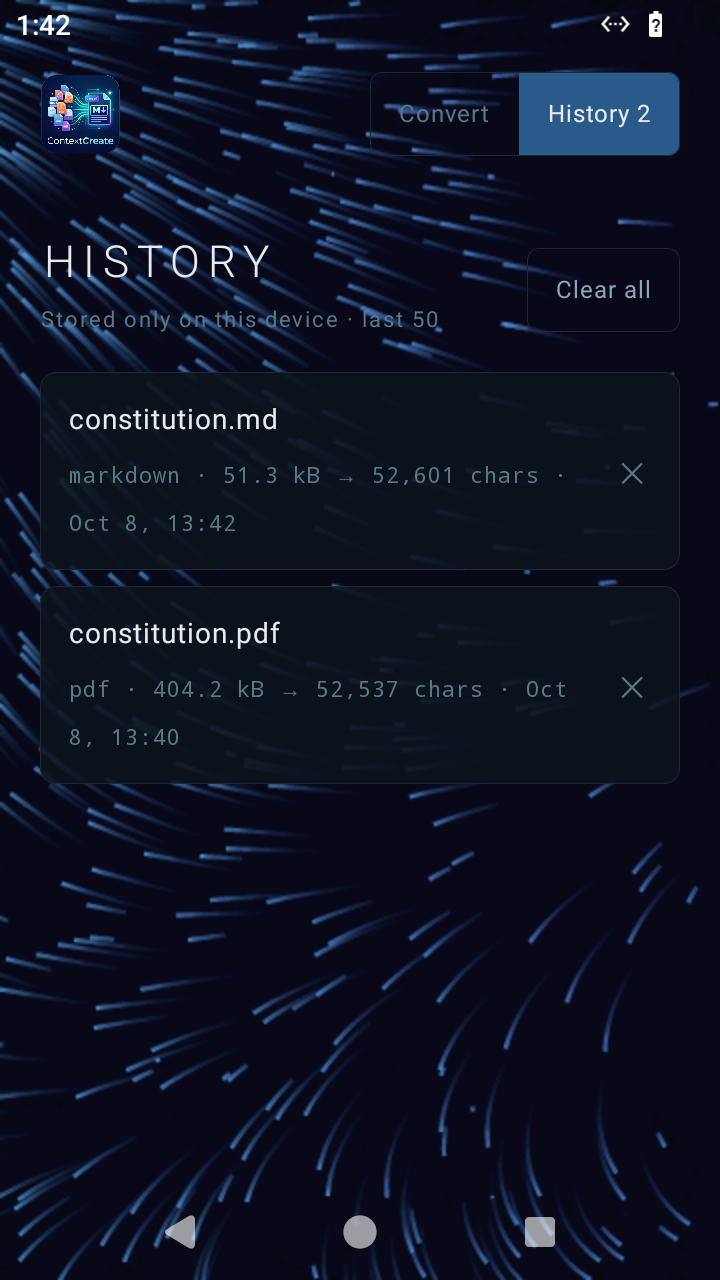
Conversion and OCR run locally. The app has no internet permission, so your documents can't leave the phone.
Built for LLMs
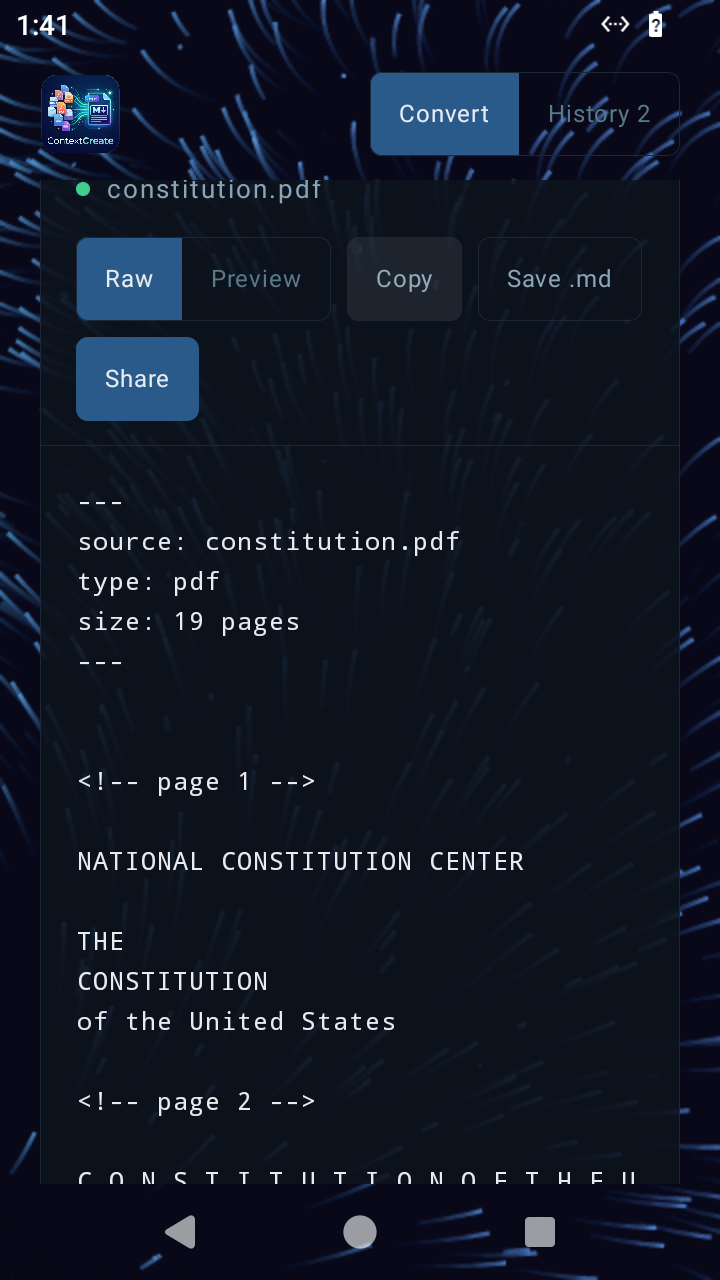
Headings, lists and tables become Markdown. Repeated headers and footers are stripped, with YAML frontmatter on top.
Share-sheet target
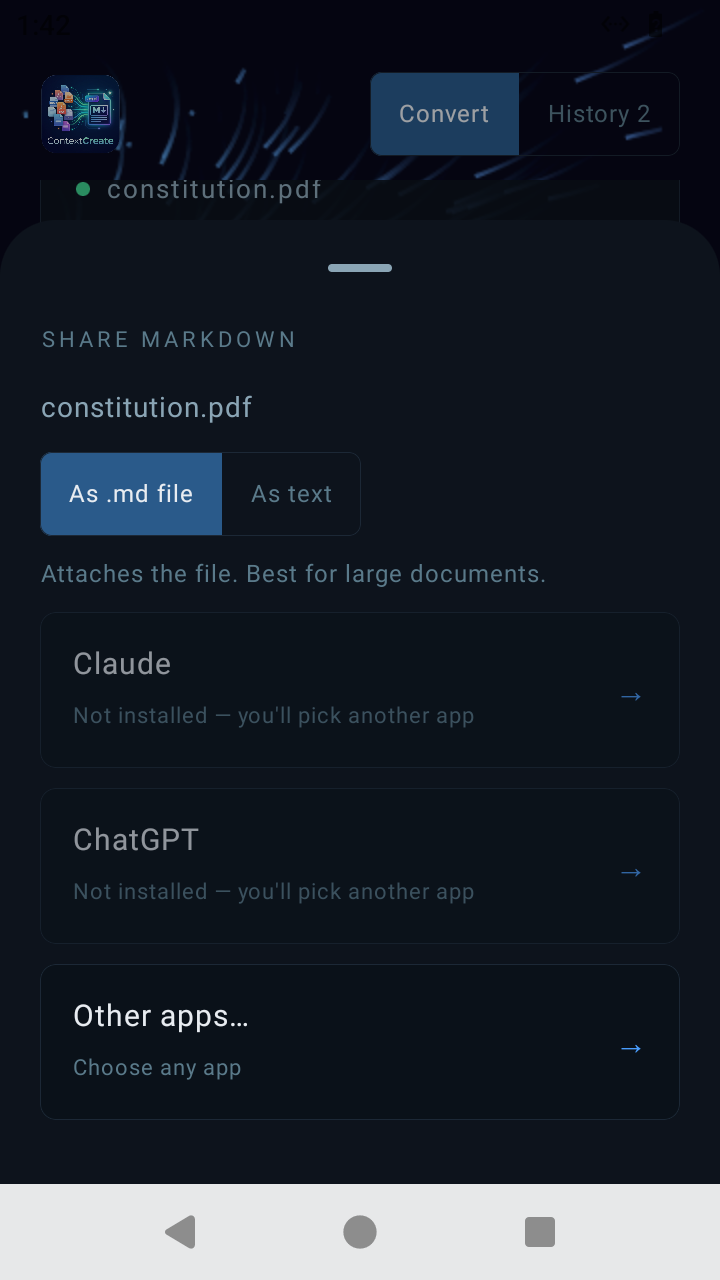
Use Share → ContextCraft from any app, one file or many, and send the result on to Claude, ChatGPT or anything else.
Preview & save
Switch between raw and rendered views, copy to clipboard, or save a
.md file wherever you like.Supported formats
| Input | How it's converted |
|---|---|
| Text layer with page markers; scanned pages fall back to on-device OCR (up to 60 pages). | |
| DOCX | Title and heading levels, list items and tables. |
| XLSX | One Markdown table per sheet, with date cells formatted. |
| CSV | Delimiter detection and a Markdown table. |
| MD / TXT | Cleaned passthrough. |
| PNG · JPG · WebP · BMP | On-device OCR (Latin-script text). |
Privacy